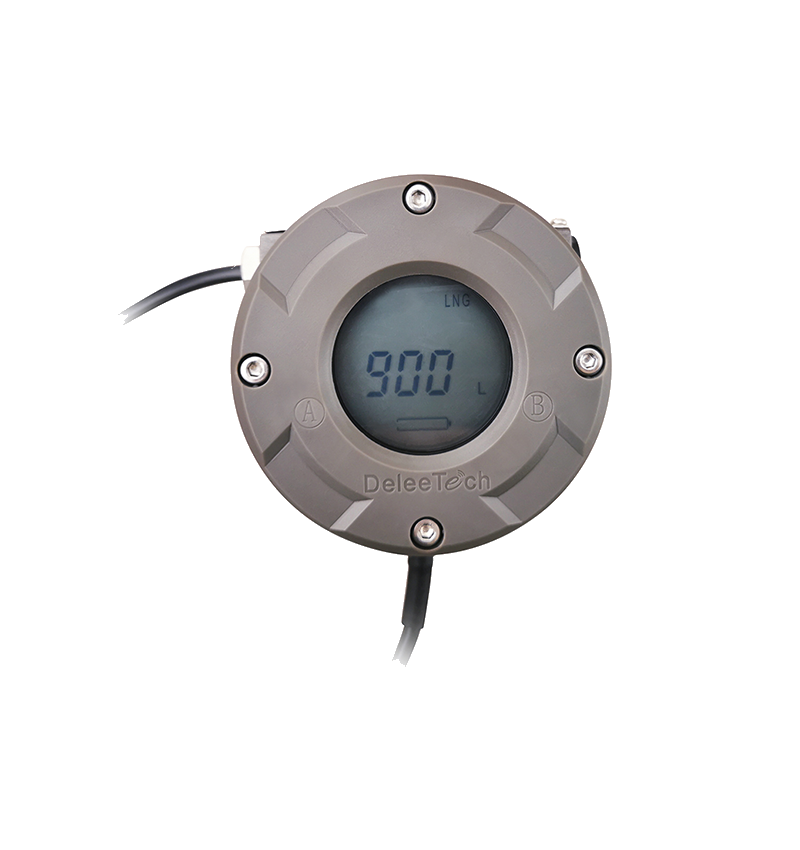
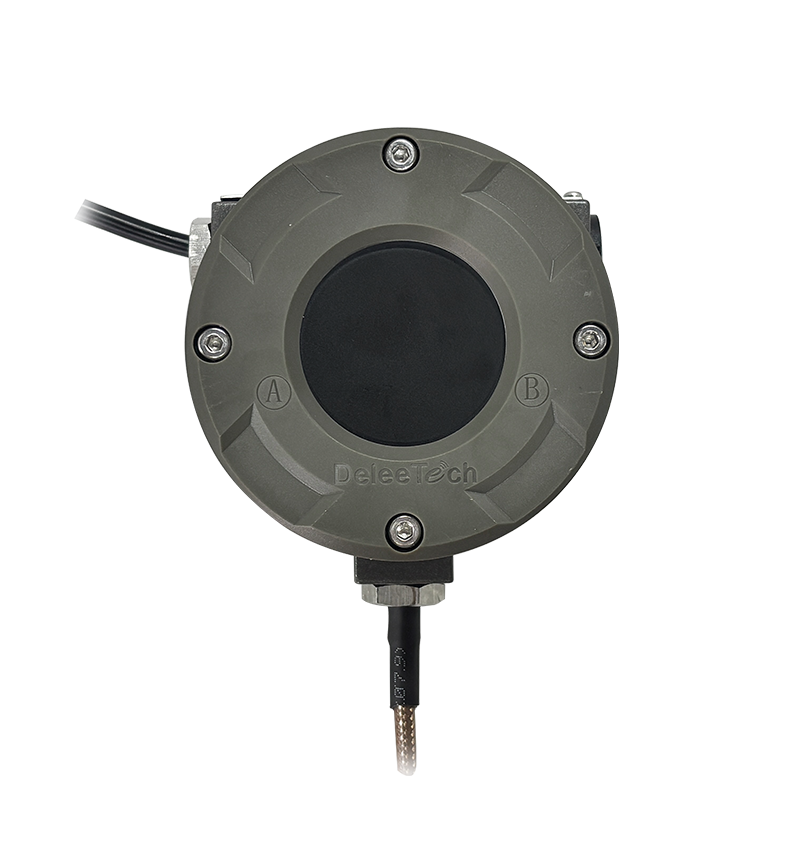
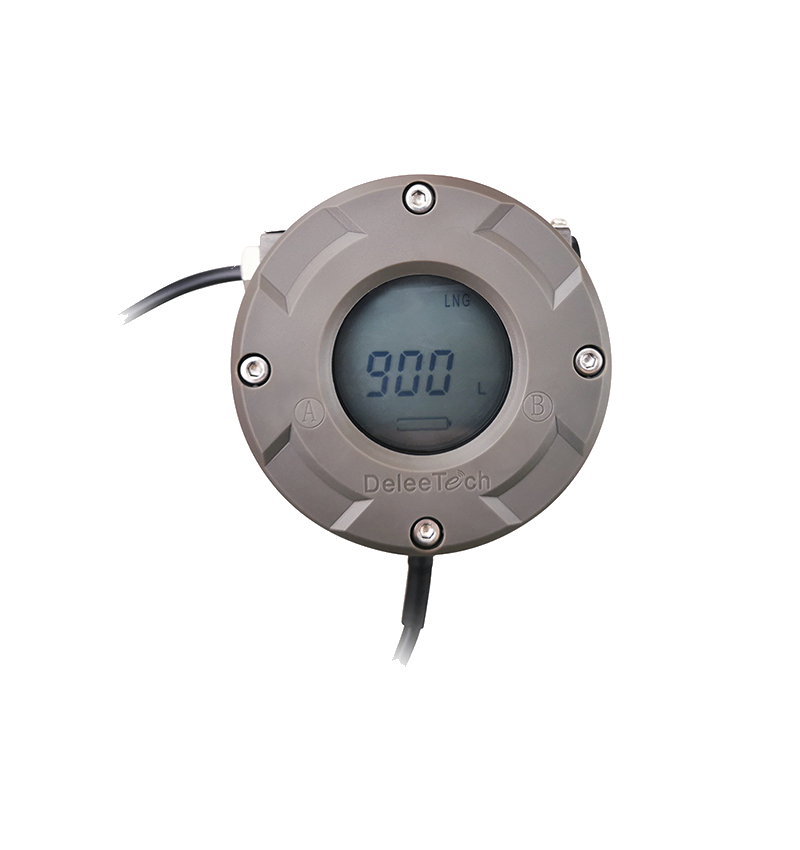
MTU instrument forward calibration operation video guide

Watch the video tutorial
Scan the QR code on the left with WeChat or your browser to watch the related video.
Scan the QR code on the left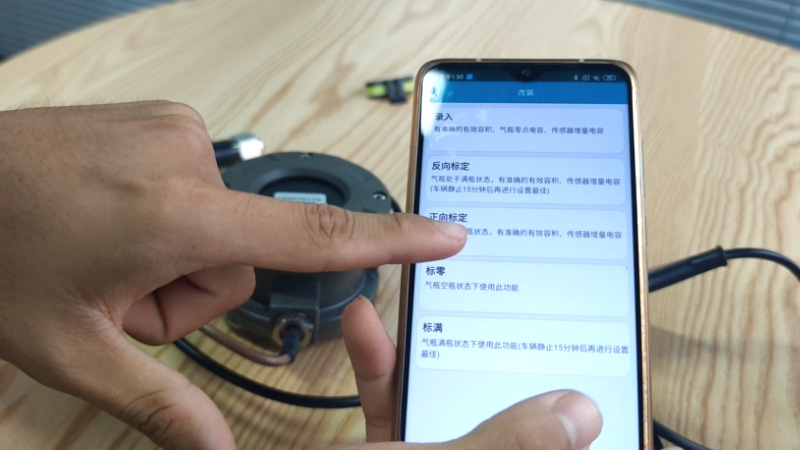
Jiangsu Deleetech MTU Instrument Forward Calibration Operation Guide: First, ensure the instrument is in a normal power supply state and open the after-sales dedicated e-CAL APP. When the cylinder is empty, carry out the forward calibration operation. Enter the APP backend interface, select the modification option, and find the forward calibration function entry. Before calibration, the accurate cylinder effective volume and sensor incremental capacitance parameters must be confirmed. Some parameters can be referred to on the cylinder nameplate. The cylinder effective volume must be verified with the cylinder manufacturer. Among these, the cylinder effective volume and sensor increment are mandatory fields and cannot be left blank; for example, an effective volume of 1350 litres and sensor increment of 370. Ensure parameters are entered accurately. After completing the parameter entry, click write, bring the phone close to the instrument, and wait for the device to read the configuration, with the page loading in a spinning circle. Once loading is complete and the interface shows a successful configuration, click confirm to complete all MTU instrument cylinder forward calibration operations.