Bluetooth SMTD Differential Pressure Gauge Operation Guide
VIDEO
Watch the video tutorial
Scan the QR code on the left with WeChat or your browser to watch the related video.
Scan the QR code on the left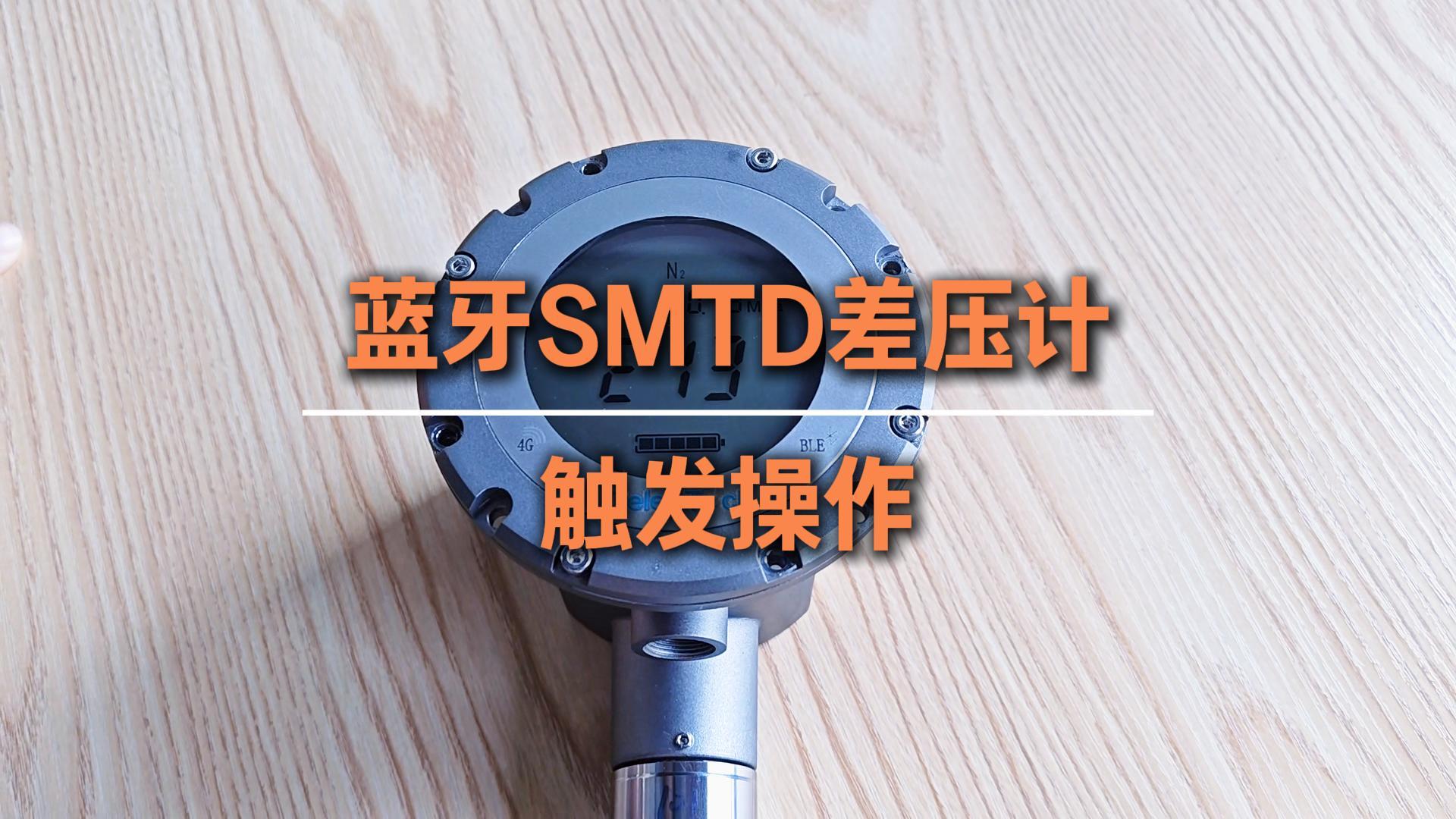
Jiangsu Deleetech Bluetooth SMTD differential pressure meter trigger operation: There is a 4G button at the lower left corner of the instrument. Quickly double-tap the 4G button with your finger. The progress bar flashes, indicating that the data is being uploaded. Displaying E49: means the data upload was successful and the trigger is complete.