Bluetooth Setting SMTD Differential Pressure Meter Parameter Operation Guide
Watch the video tutorial
Scan the QR code on the left with WeChat or your browser to watch the related video.
Scan the QR code on the left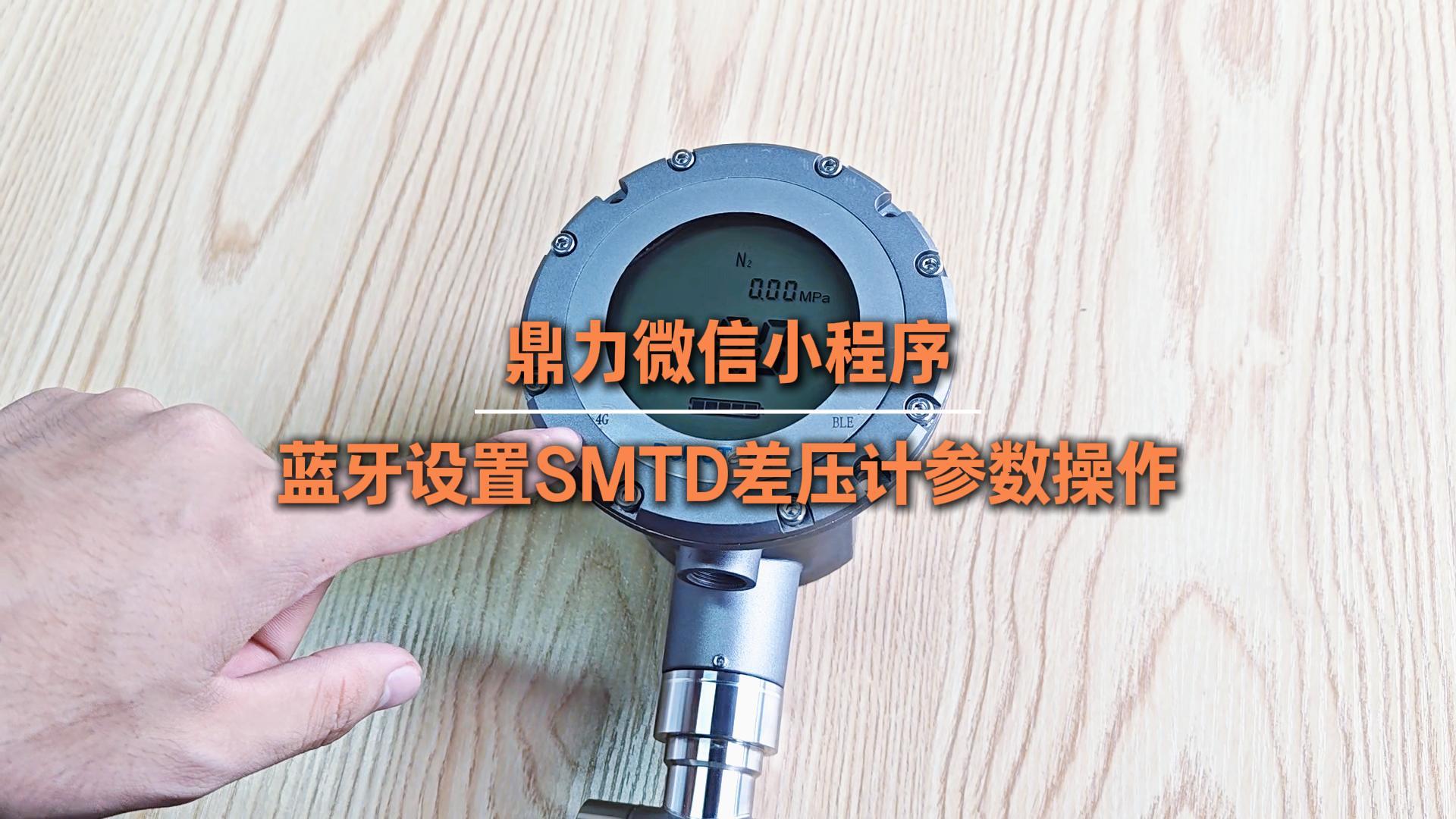
First, log in to the Deleetech WeChat mini program. After a successful login, quickly double-tap the "BLE" Bluetooth button at the bottom right of the meter to enable the meter's Bluetooth mode. The "BLE" icon on the meter screen will flash, indicating that Bluetooth has been successfully turned on.
Open the meter section at the bottom of the mini program, select the general Bluetooth meter, and click Connect Meter. The system will automatically search for Bluetooth devices. The meter's serial number can be found on the nameplate at the top of the meter. For this device, the serial number is 2608170007. After verifying that the serial number matches, click Connect.
Once connected, the mini program will automatically jump to the parameter information editing interface. The meter's "BLE" flashing will stop, and you will enter the general Bluetooth meter parameter modification page, which has four configurable parameters.
The first item: Medium and container configuration. Click the edit pencil icon to modify the medium type as needed, supporting user-defined liquid density settings. Choose the container type according to the actual situation, fill in the container volume (default unit is liters), and fill in the inner diameter of the container according to actual dimensions.
The second item: Liquid level configuration. You can switch the unit for liquid level display as required. The default unit is percentage of volume, and you can set high and low alarm values as needed.
The third item: Wireless communication configuration. No changes are needed for normal use; only when replacing the SIM card should the corresponding card type parameter be modified. The data reporting interval is set to once per hour by default and can be adjusted according to usage needs.
The fourth item: RS485 configuration. Only meters equipped with RS485 communication need to set this; ordinary meters do not need to modify this parameter.
After all parameters are set, long-press the meter's Bluetooth button to exit the Bluetooth connection. The meter's progress bar flashing indicates that the data is being uploaded. When the screen displays E49, the data upload is successful. After the operation is completed, you can exit the WeChat mini program directly.