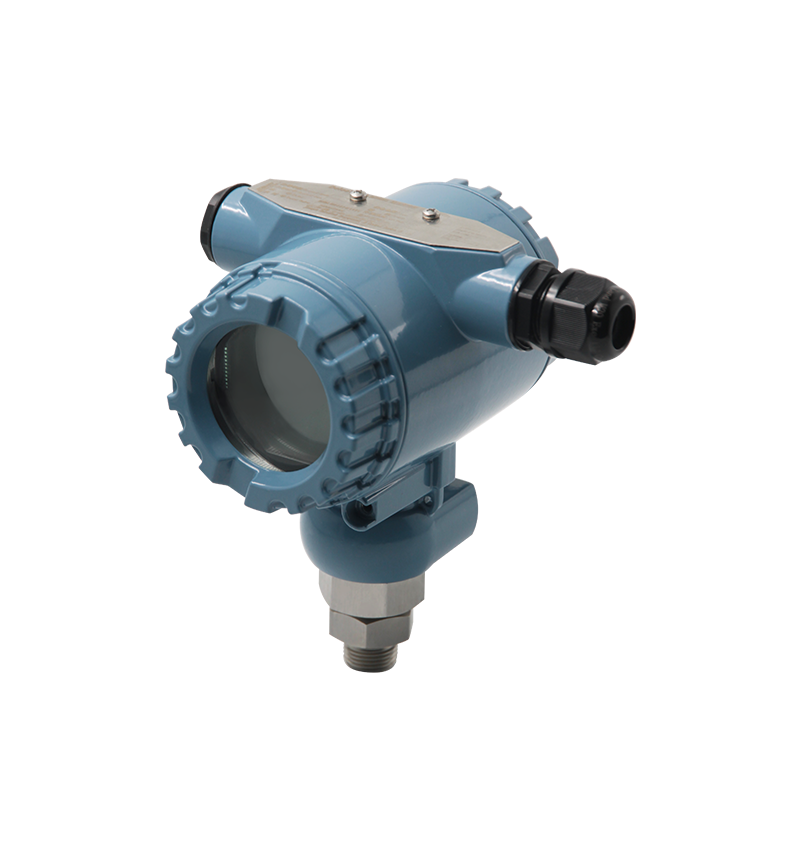
Deleetech DCT8051 Instrument Increment Modification Operation Guide

Watch the video tutorial
Scan the QR code on the left with WeChat or your browser to watch the related video.
Scan the QR code on the left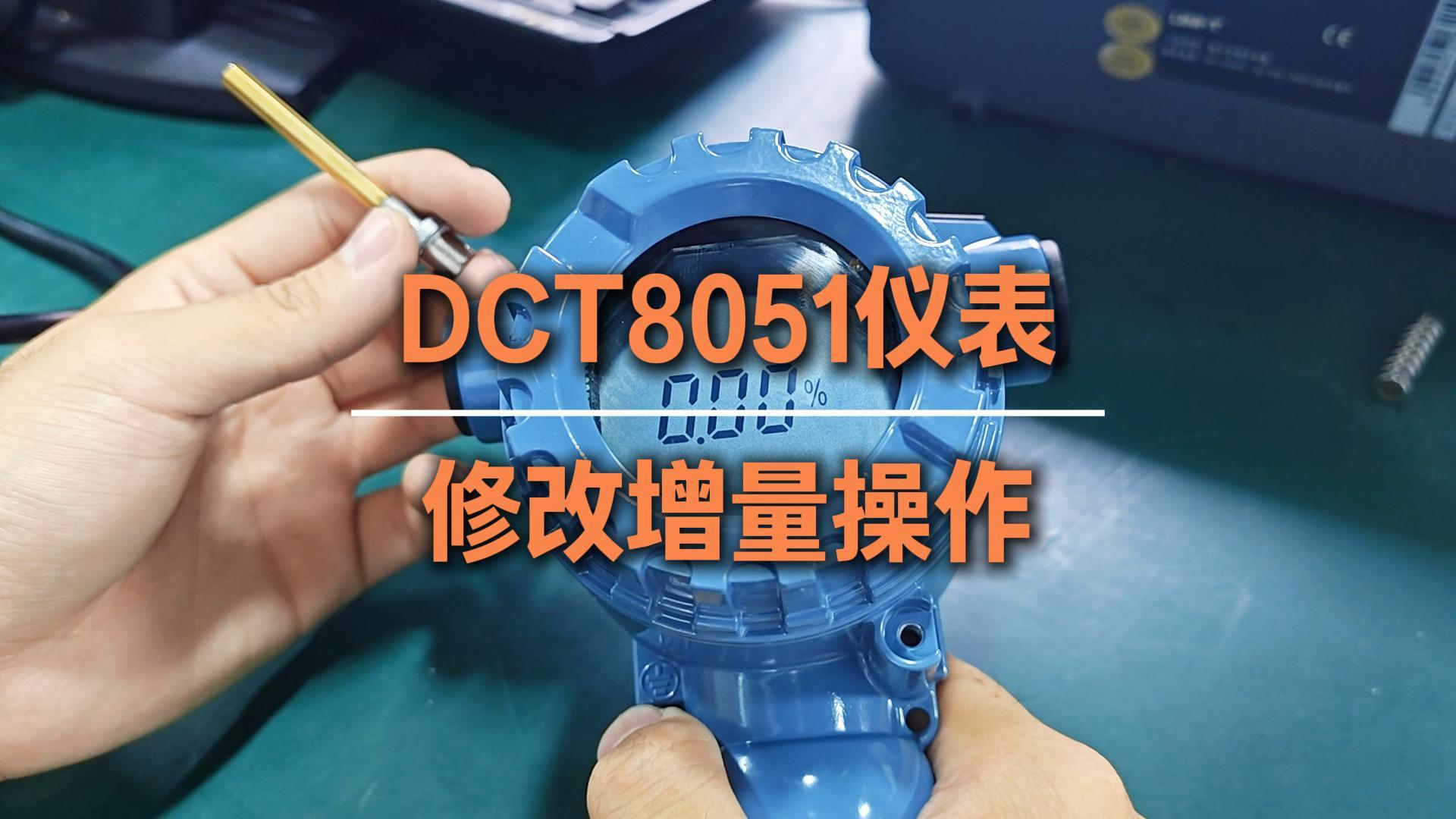
Deleetech DCT8051 Capacitive Level Transmitter Increment Modification Operation Guide:
Place the sensing pen continuously at the 9 o'clock position, and when the screen displays P0, remove the sensing pen. Place the sensing pen again at the 9 o'clock position to switch to P1, then continue operating to enter P3. P3 is the increment modification menu.
Place the sensing pen continuously at the 3 o'clock position to enter the P3 parameter editing interface. The current increment value is 89.0, with the target modification being 100. The flashing decimal 0 at the end does not need to be changed.
Lightly touch the 9 o'clock direction once to complete the shift; the digit “9” will flash. Lightly touch the 3 o'clock direction once to change the flashing digit “9” to “0”.
Lightly touch the 9 o'clock direction again to shift to select the tens digit “8”, then lightly touch the 3 o'clock direction to change “8” to “0”.
Continue lightly touching the 9 o'clock direction to shift to the hundreds digit, and lightly touch the 3 o'clock direction to change the hundreds digit “0” to “1”.
After completing the parameter modification, place the sensing pen continuously at the 9 o'clock position to exit the P3 menu. Wait for the 10-second countdown to end, and the increment parameter modification is complete.