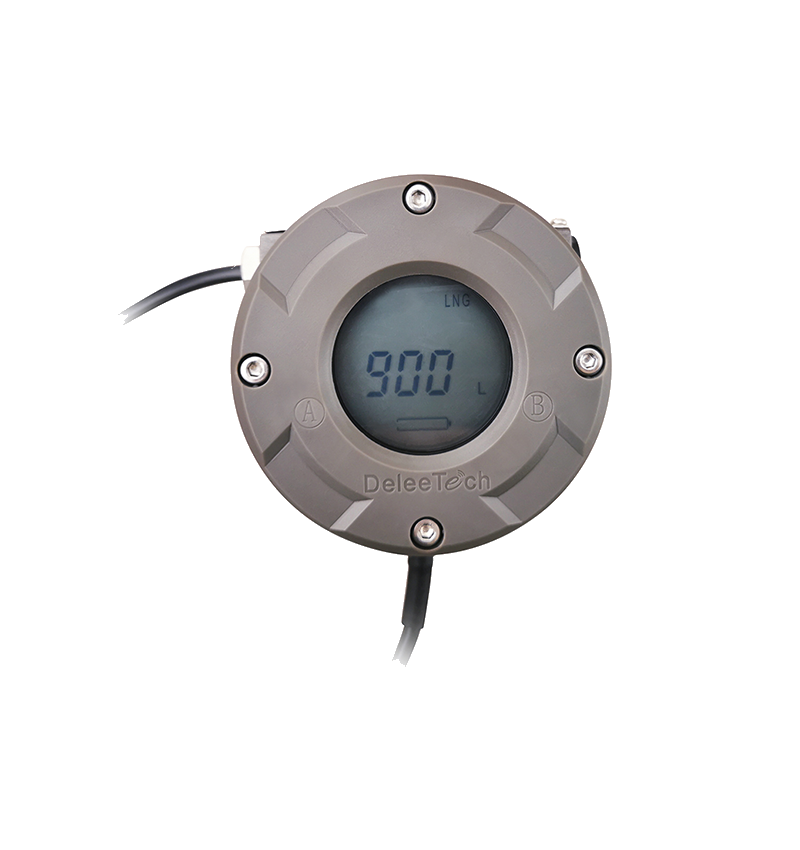
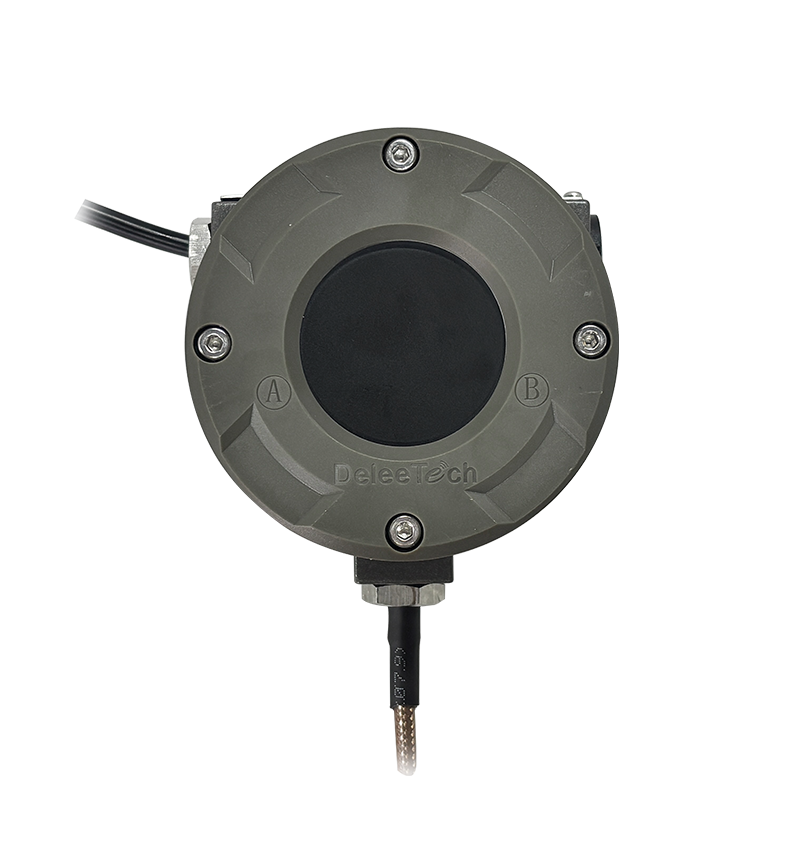
After-sales app: Introduction to e-CAL reading function
Watch the video tutorial
Scan the QR code on the left with WeChat or your browser to watch the related video.
Scan the QR code on the left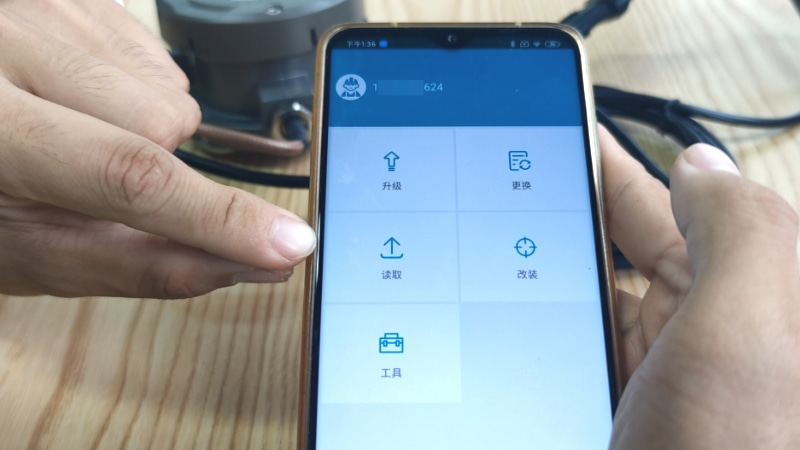
Instructions for using the reading function of Jiangsu Deleetech e-CAL After-Sales APP: Before operation, ensure that the instrument is powered normally. New users need to register an e-CAL account using their mobile number. After registration, open the after-sales version of the e-CAL APP. Enter the APP backend interface, enable the phone's NFC function in advance, and click the read button. A prompt will appear saying 'Please place the phone close to the transmitter panel.' Place the phone against the instrument panel and wait for the device to read the data; the page will display a loading circle during this process. Once loading is complete, the page will show 'Reading successful,' completing the operation. The device parameters obtained from this reading can be used to troubleshoot and analyse various instrument faults. If reading fails, do not repeat the operation repeatedly and contact after-sales personnel for assistance in a timely manner.