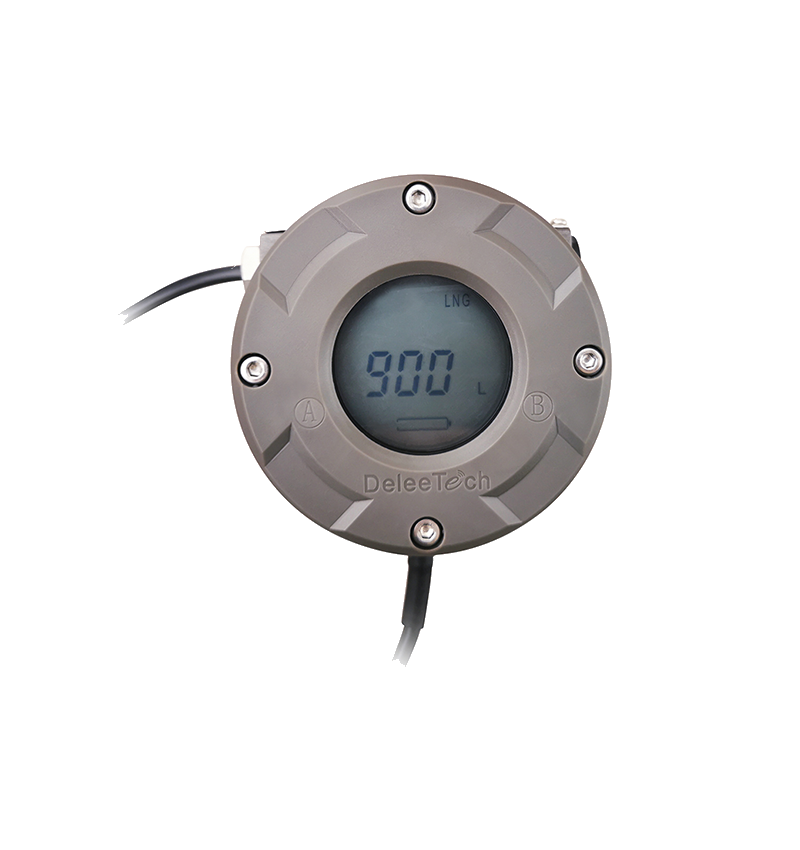
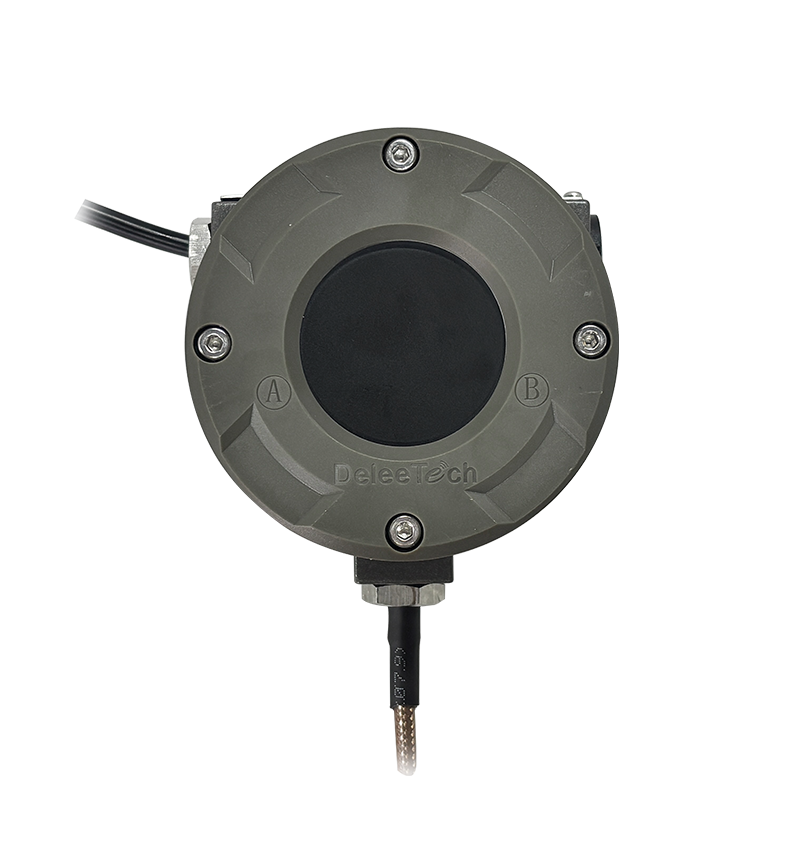
MTU Instrument Reverse Calibration Operation Guide Video

Watch the video tutorial
Scan the QR code on the left with WeChat or your browser to watch the related video.
Scan the QR code on the left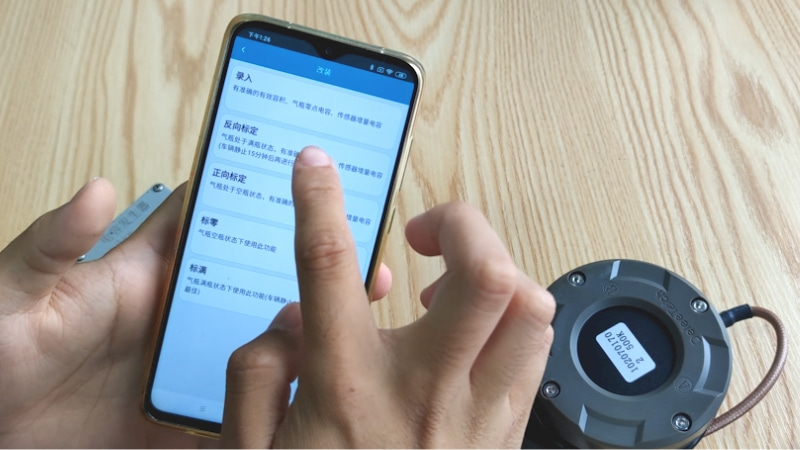
MTU Instrument Reverse Calibration Operation Guide: First, ensure that the instrument is in a normal power supply state. Once confirmed, open the after-sales version of the e-CAL APP. Enter the APP backend interface and click on the modification option. Perform the reverse calibration operation when the cylinder is in a full liquid state. Click on reverse calibration, and the interface will display four parameters, three of which can be filled in according to the cylinder nameplate. The cylinder's effective volume must be confirmed with the manufacturer before filling in. Cylinder effective volume and sensor increment are mandatory fields. Example parameters: cylinder effective volume 1350 litres, sensor increment 58. After completing the parameter input, click write, place the phone close to the instrument, and wait until the interface displays configuration success, indicating the parameters have been written. Remove the phone and click confirm to complete the MTU instrument reverse calibration operation.