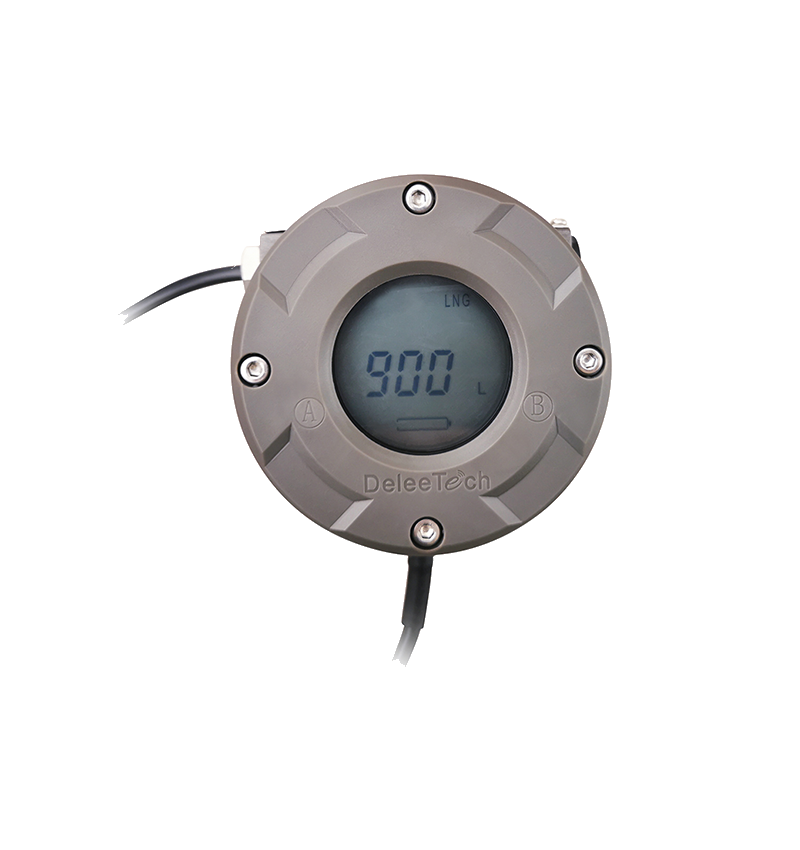
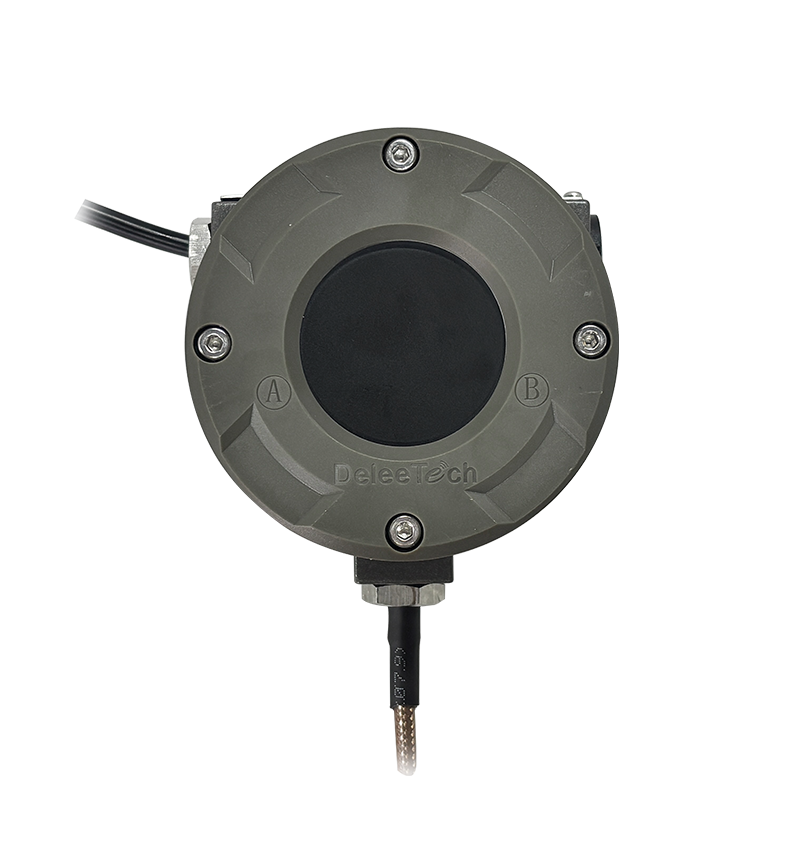
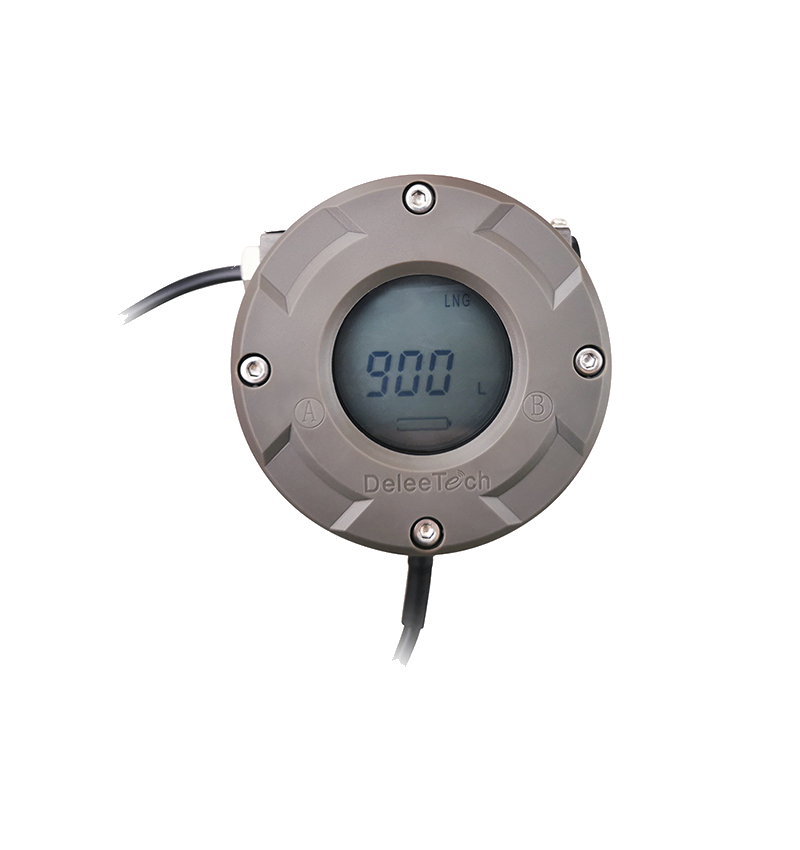
MTU Series Vehicle-mounted Level Transmitter - Upgrade Operation Guide
Watch the video tutorial
Scan the QR code on the left with WeChat or your browser to watch the related video.
Scan the QR code on the left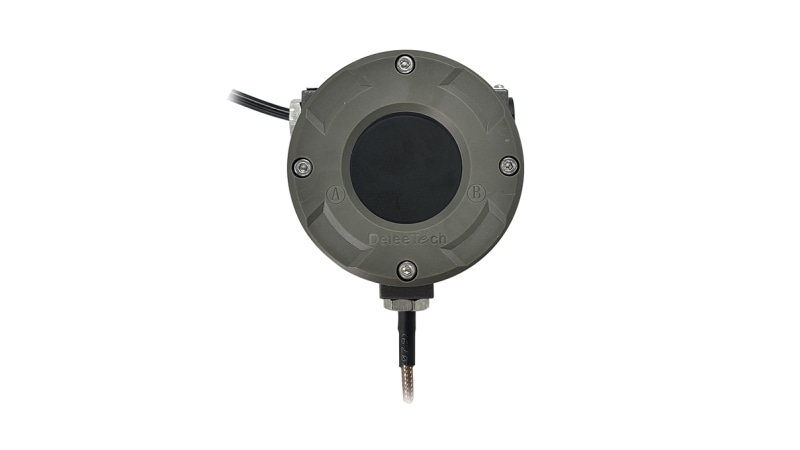
Deleetech MTU series vehicle-mounted liquid level transmitter upgrade procedure: First, open the after-sales APP software (e-CAL) and register an account. After registration, click login. After logging in, use the read function to confirm that the instrument is powered normally. Place the phone on the instrument when clicking read; if numbers can be read, it indicates that the instrument is powered normally. Then move the phone away. Select the upgrade function and find the required software version number for the upgrade. Taking FW1211 as an example, click "1211", then place the phone on the instrument again, click "1211" once more, and click OK when the prompt appears. Keep the phone close to the instrument until the data packet is completely written. After writing is complete, a configuration success message will appear. After successfully reading, the version number FW1211 will be displayed, indicating the instrument has been successfully upgraded.