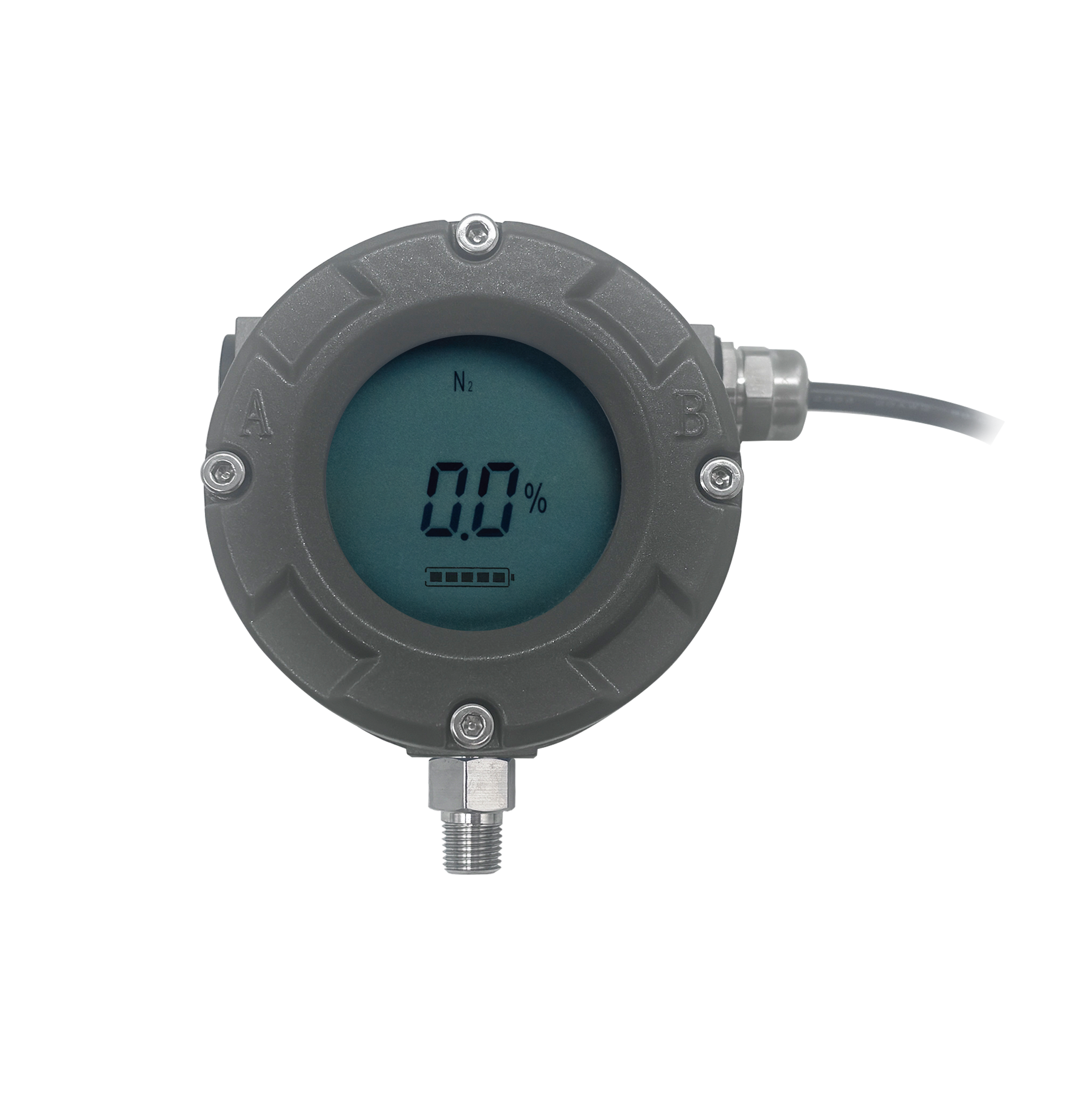
MTM-A Quality Type Level Meter - Unit Change Operation Guide

Watch the video tutorial
Scan the QR code on the left with WeChat or your browser to watch the related video.
Scan the QR code on the left
MTM-A quality type level meter unit change operation: First, place the sensing pen at the 11 o'clock position continuously, remove it after P0 is displayed, place the sensing pen at the 11 o'clock position again, remove it after P5 is displayed, place the sensing pen continuously at the 5 o'clock position to enter the P5 menu to change the unit interface, the current display unit is litres, change it to percentage, place the sensing pen continuously at the 5 o'clock position, remove it after the screen displays the percentage, place the sensing pen at the 11 o'clock position to exit the unit change interface, wait for the 10-second countdown to end, and the unit change is complete.