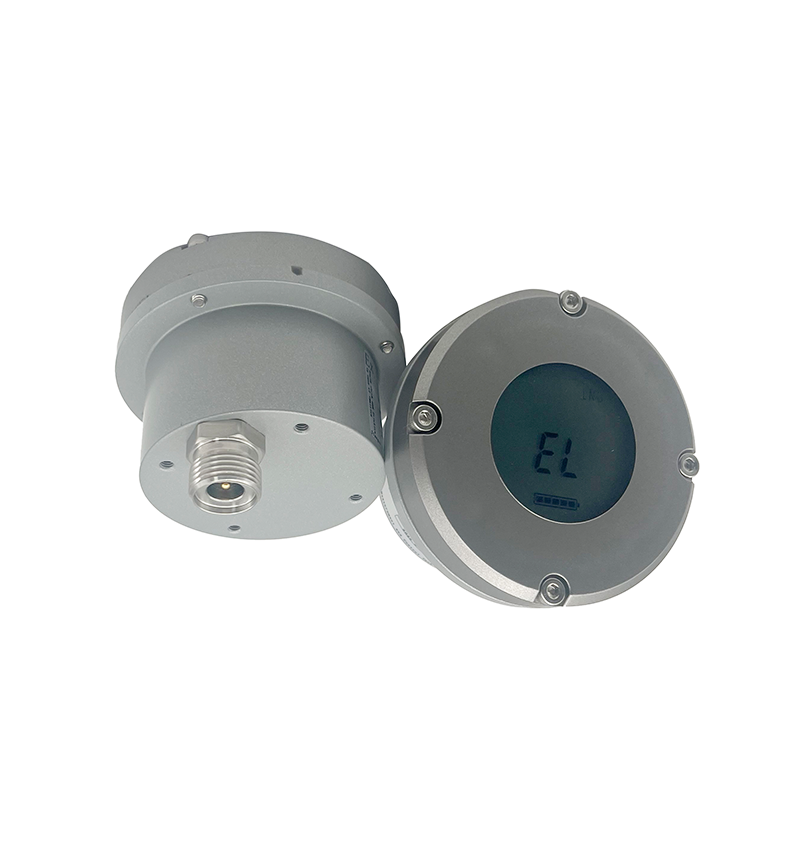
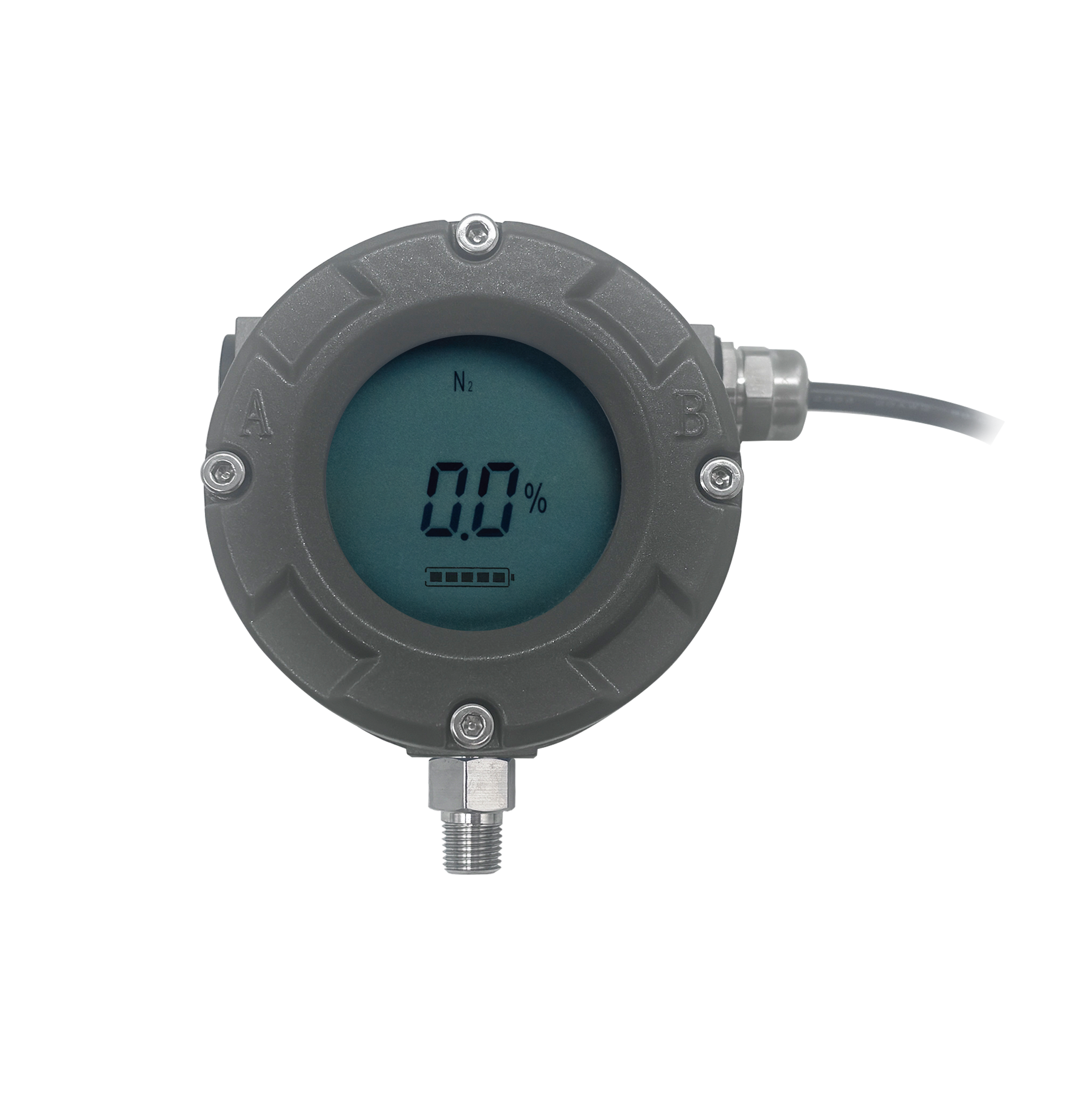
MT Capacitive Level Meter - Volume Modification Operating Guide

Watch the video tutorial
Scan the QR code on the left with WeChat or your browser to watch the related video.
Scan the QR code on the left
Deleetech MT Capacitive Liquid Level Meter Volume Adjustment Operation Guide: Place the sensing pen at the 9 o'clock position and then move it away. Place the sensing pen at the 9 o'clock position again, and after P10 is displayed, move it away. Place the sensing pen at the 3 o'clock position to enter the volume adjustment interface, and modify the values by placing the sensing pen at the 3 o'clock position. If repositioning is needed, lightly touch with the sensing pen at the 9 o'clock position and move it away, then place it at the 3 o'clock position to adjust to the desired value. After completion, keep the sensing pen at the 9 o'clock position until P10 is displayed, move it away, and wait for the countdown to exit. The volume adjustment is then successful.