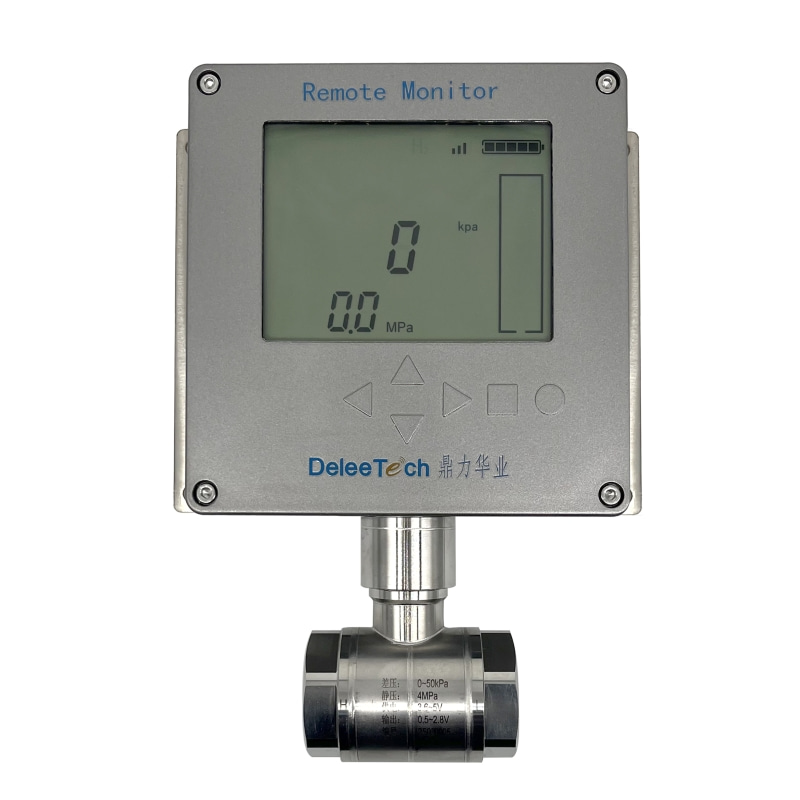
DST9851 Differential Pressure Composite Transmitter - Diameter Change Operation Guide

Watch the video tutorial
Scan the QR code on the left with WeChat or your browser to watch the related video.
Scan the QR code on the left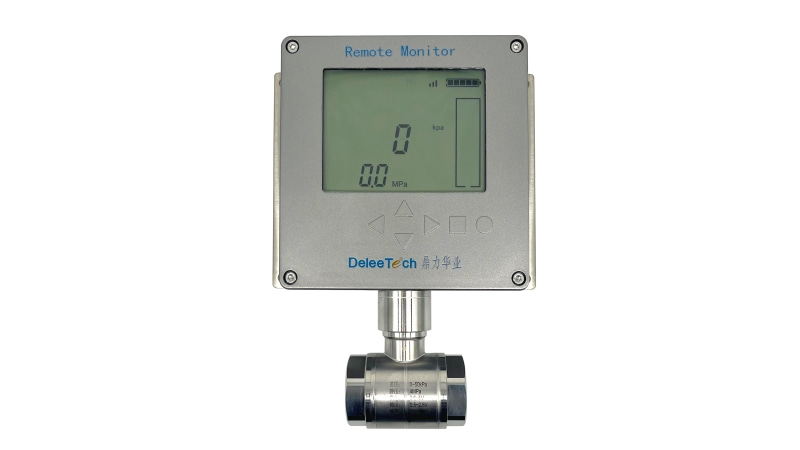
DST9851 differential pressure composite transmitter square instrument diameter change operation: Double-click the right button to unlock the menu, press and hold the left button to display P0 then release, continue to press and hold the left button to navigate to P11 diameter modification menu, press and hold the right button to enter P11, the current diameter shows 2,100, change it to 1,500, press the left button once, if the top right progress bar is not full then shift position, press the left button to move to the hundreds place, press the right button to change the hundreds digit 1 to 5, press the left button to shift to the thousands place, press and hold the right button to change 2 to 1, press and hold the left button to exit the modification menu, P11 is displayed then release, wait for the 10-second countdown to end, diameter change completed.