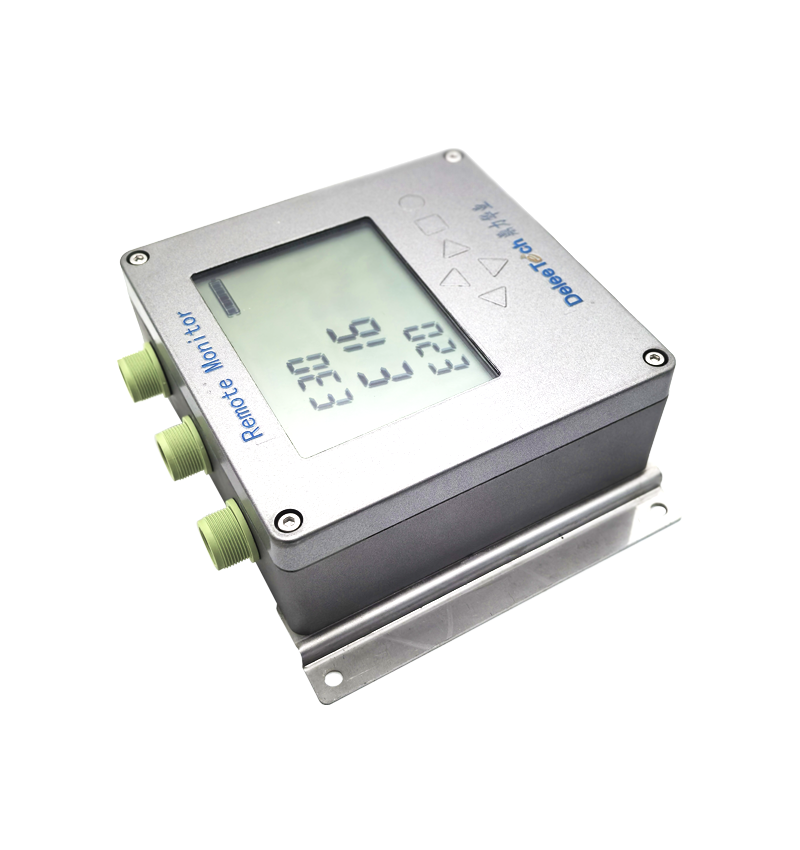
DWT9851 Radar Level Meter - Instruction Guide for Viewing Instrument ID
Watch the video tutorial
Scan the QR code on the left with WeChat or your browser to watch the related video.
Scan the QR code on the left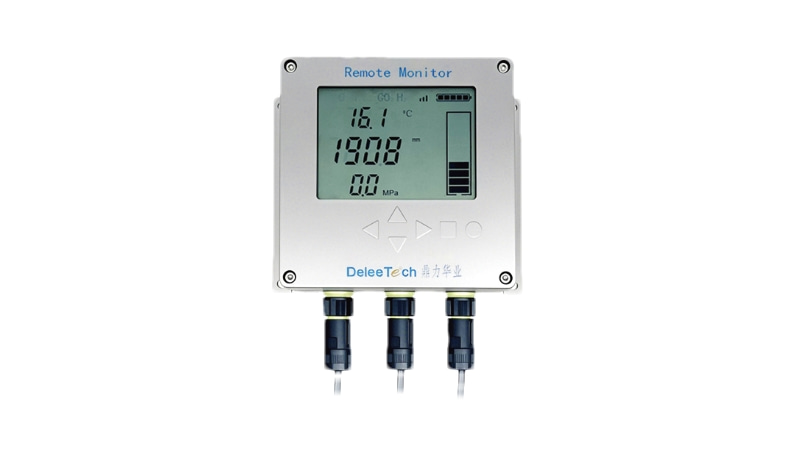
DWT9851 radar level meter instrument ID operation guide: First, double-click the triangle button on the right to unlock. After unlocking, place both hands on the left and right buttons respectively and press and hold. Release when the screen displays F0, then press and hold the right button to enter. The displayed number at this time is 260520. Press and hold the left button to exit; then press and hold the left button until the screen displays F1, release, and press and hold the right button to enter F1. The displayed serial number is 21. This is the entire instrument ID: 2605200021. Then press and hold the left button to exit, completing the instrument ID viewing.