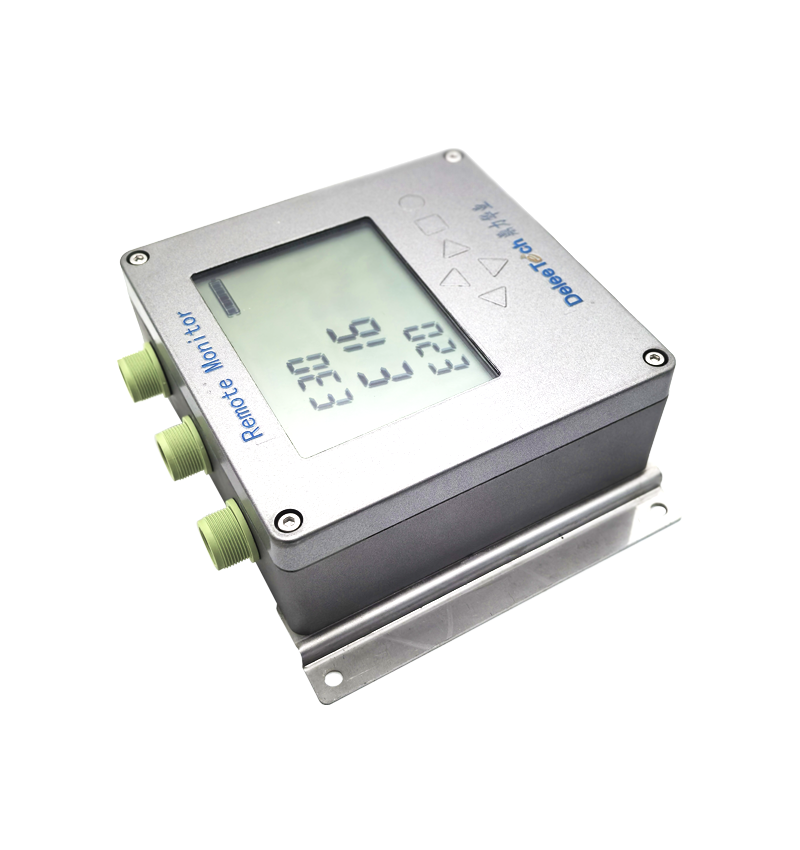
Deleetech Radar Level Meter Operation Trigger Guide
VIDEO
Watch the video tutorial
Scan the QR code on the left with WeChat or your browser to watch the related video.
Scan the QR code on the left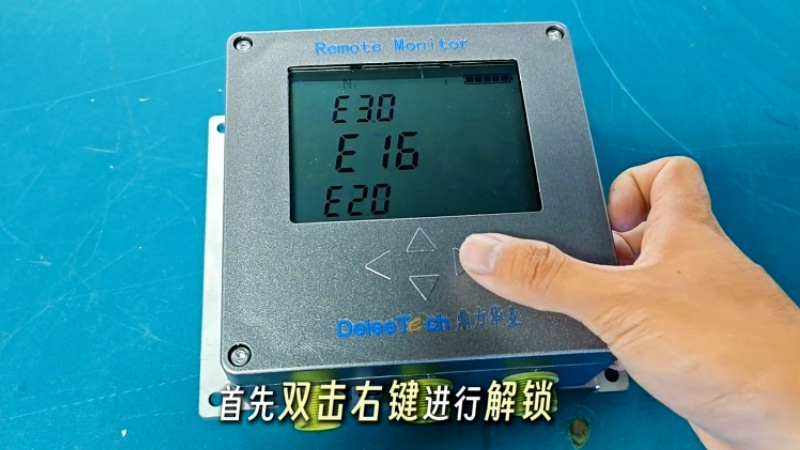
Deleetech radar level meter operation guide for triggering: First, double-click the right button to unlock, then long-press the right button again and release your finger when the screen flashes. The battery display blinking half indicates the instrument is locating the current position. Displaying 'E59' indicates successful positioning. Next, the instrument will perform 4G communication. Displaying 'E49' indicates communication is normal. The radar level meter triggering is complete.