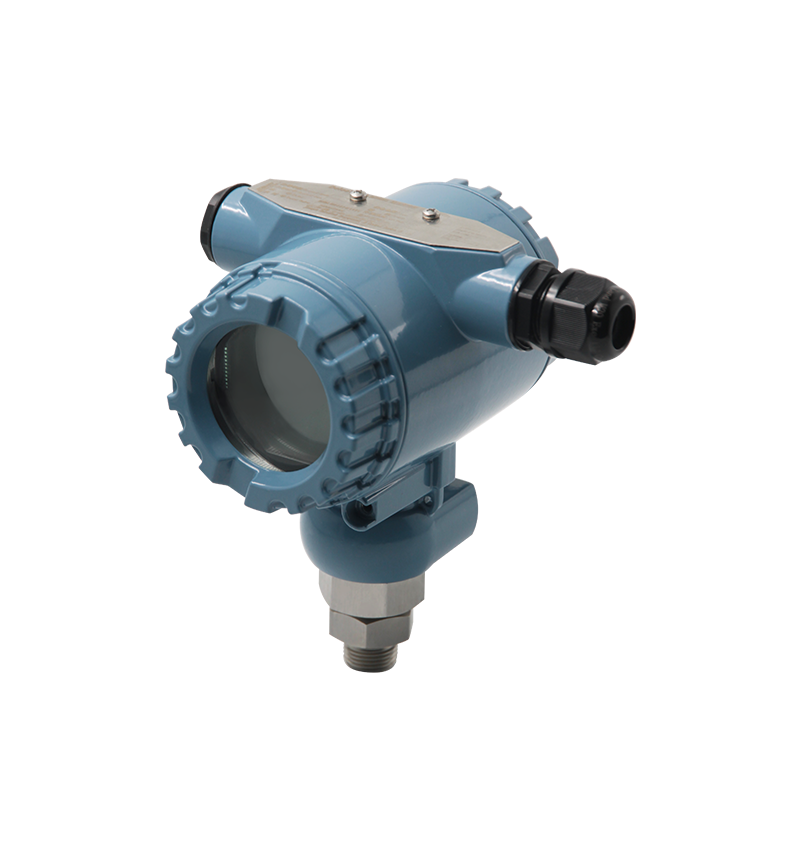
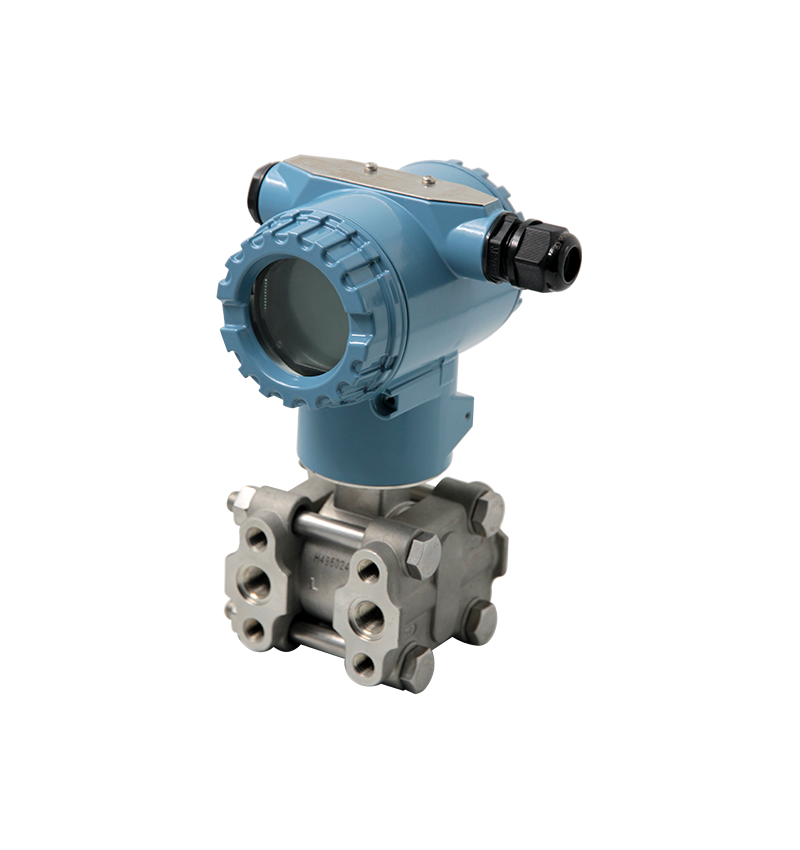
8051 Instrument Volume Change Operation Video Guide

Watch the video tutorial
Scan the QR code on the left with WeChat or your browser to watch the related video.
Scan the QR code on the left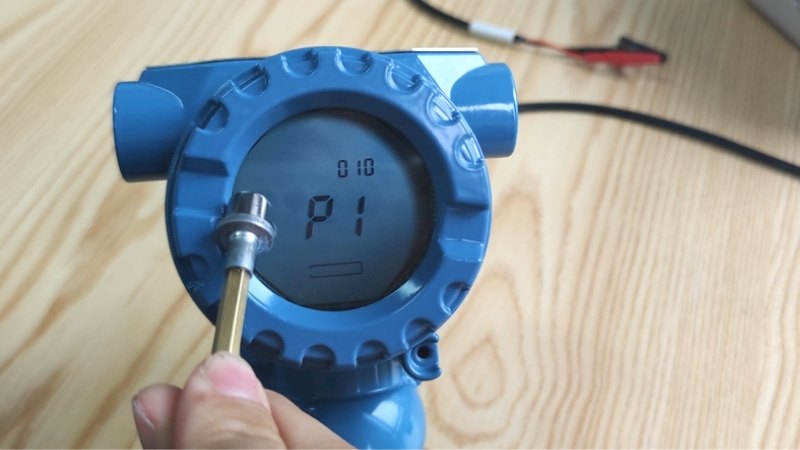
Instructions for modifying the volume on the Deleetech 8051 instrument in Jiangsu: Place the induction pen at the 9 o'clock position on the instrument. The interface will display a hypothetical value of 1500. Tap the 9 o'clock position repeatedly to perform the 'units, tens, hundreds' shift operation; the flashing '0' indicates the shift was successful. When the hundreds digit '0' flashes on the screen, place the induction pen at the 3 o'clock position and change the digit 0 to 5. Remove the induction pen once the modification is complete. Lightly tap the 9 o'clock position with the induction pen to perform the 'thousands' shift operation (the thousands digit is shown in the top right corner of the screen) and change the thousands digit from 2 to 1. Place the induction pen at the 3 o'clock position to complete the digit change and remove the pen after the screen shows 1. After finishing the volume modification, place the induction pen at the 9 o'clock position, exit the P10 volume modification interface, and then remove the pen. Wait for the 10-second countdown to complete, and the instrument volume modification process will be finished.